What do you need?

Baseplates
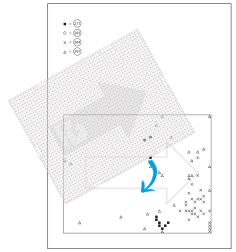
The original baseplate 2000 pins (50x40). An arrow is shown on the back of the baseplate. This arrow indicates the orientation of the baseplate and the pixel art piece. It is important that the direction of the arrow always points in the same direction. For example always up or always to the right.

Pixelsquares
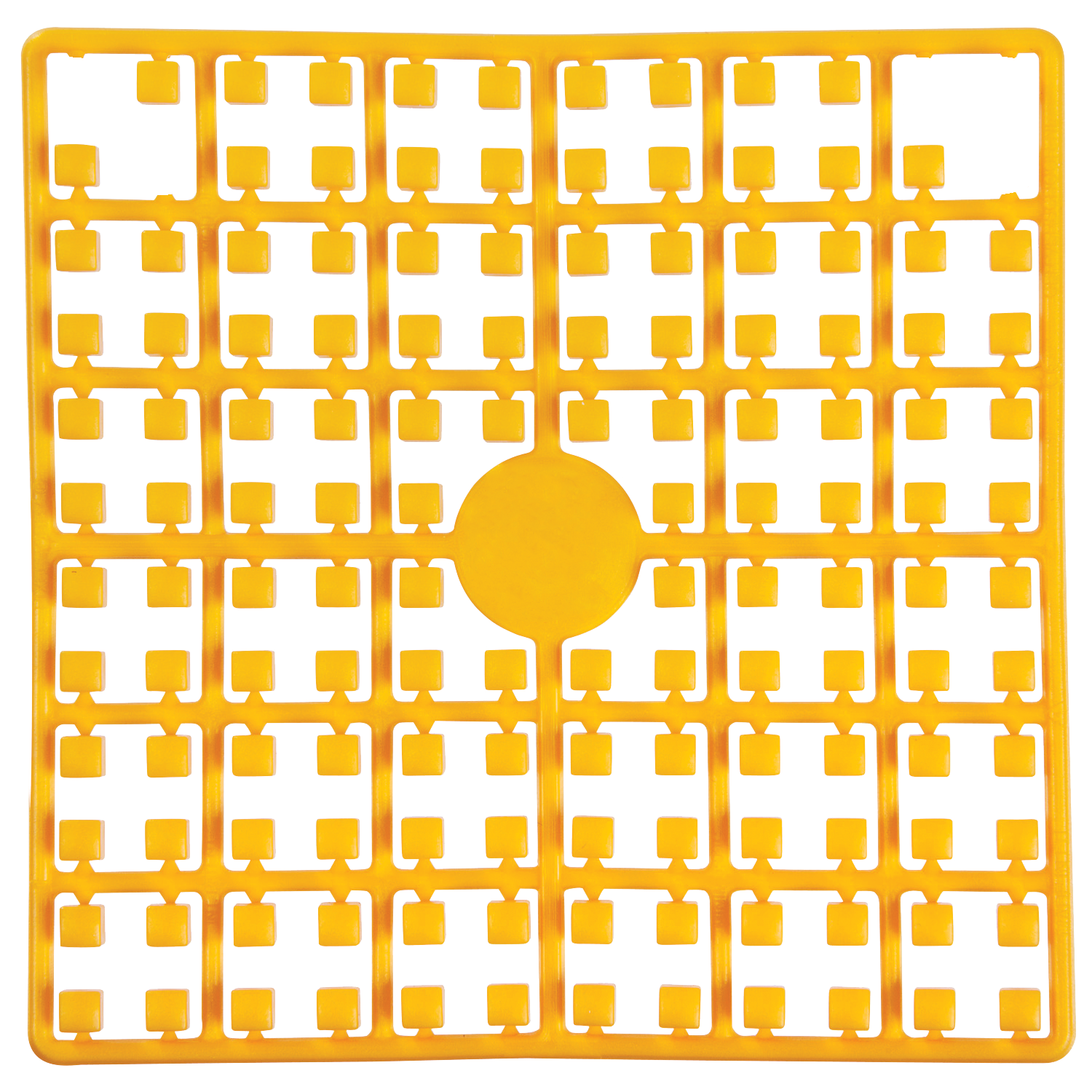
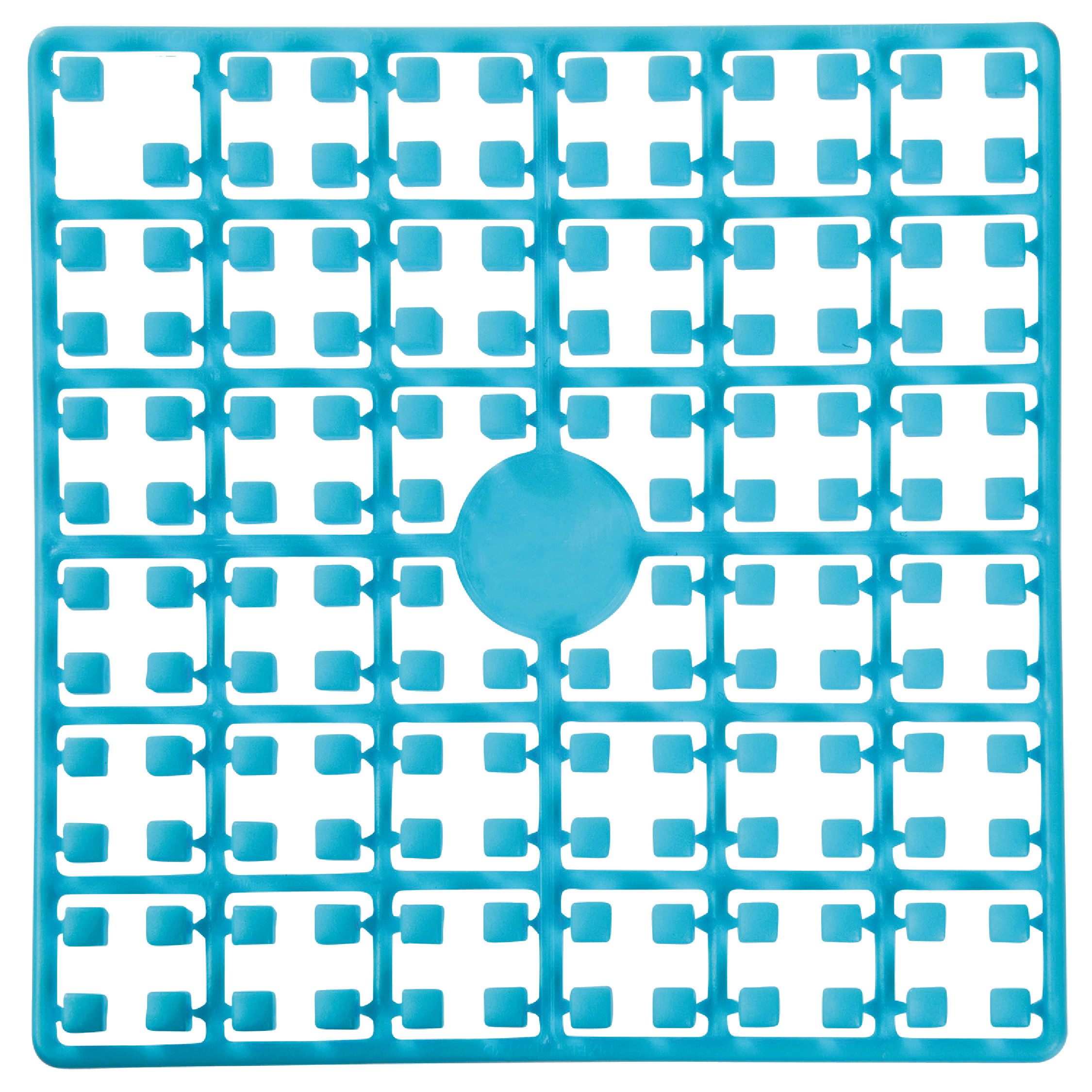
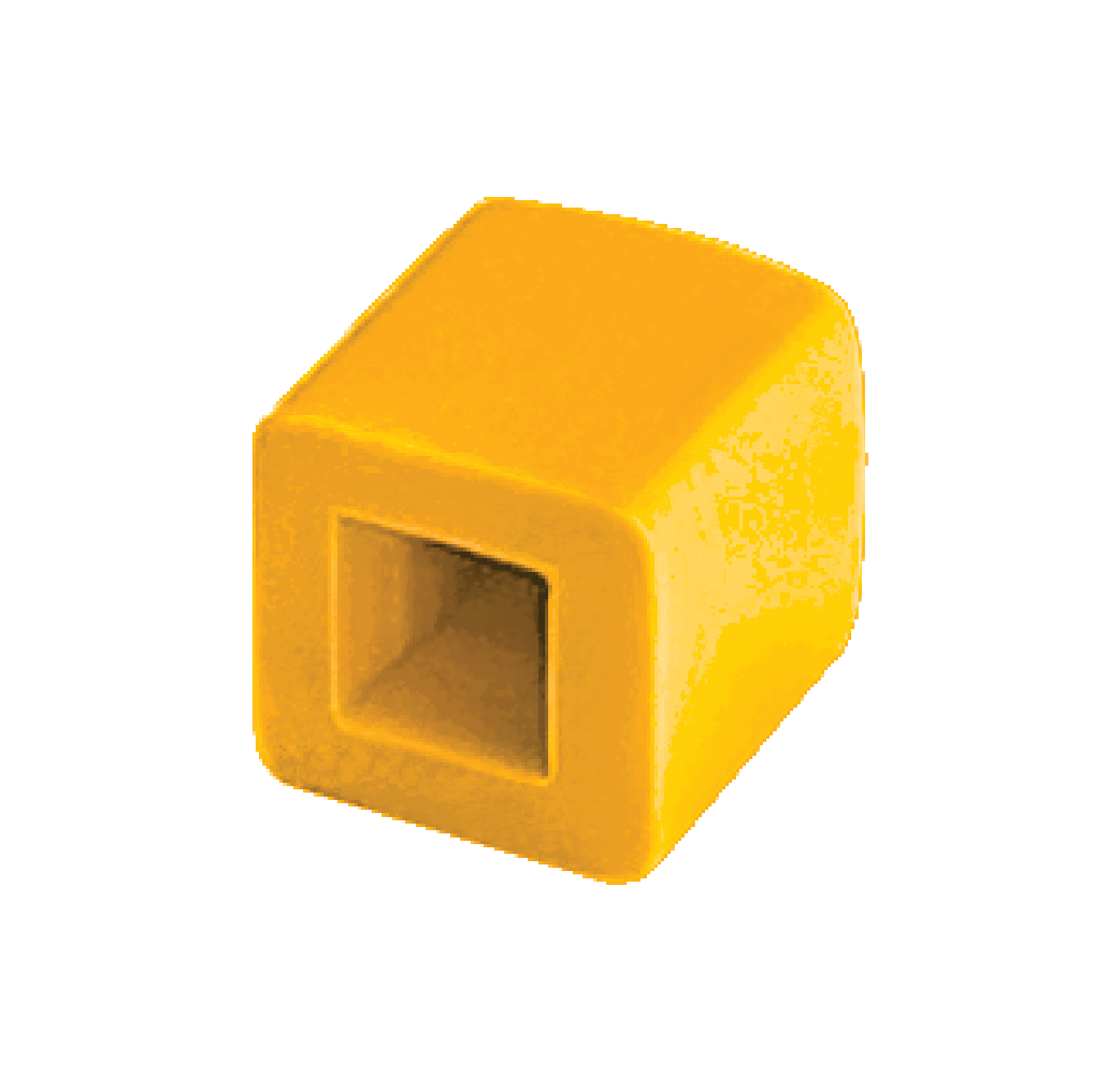
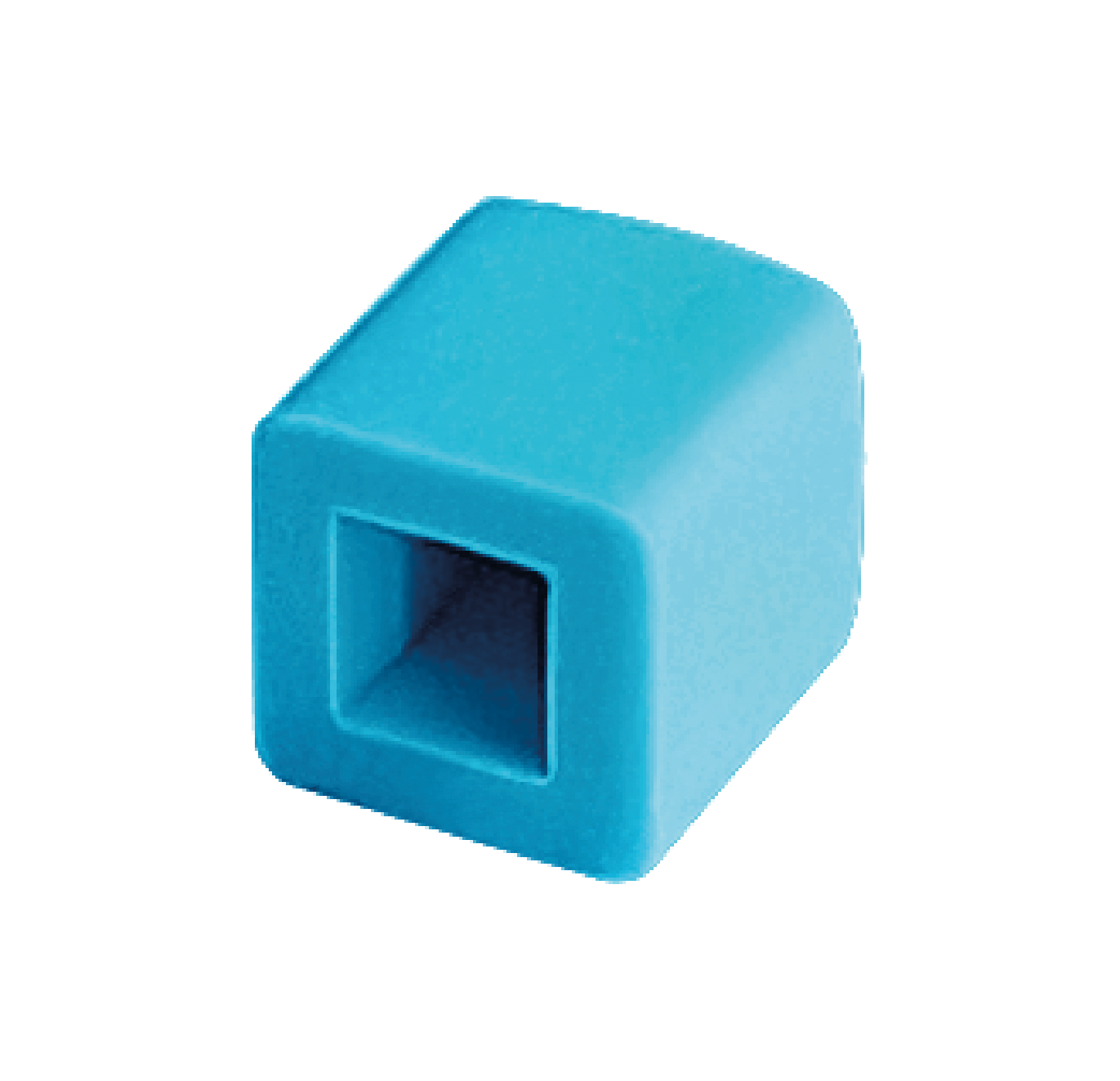
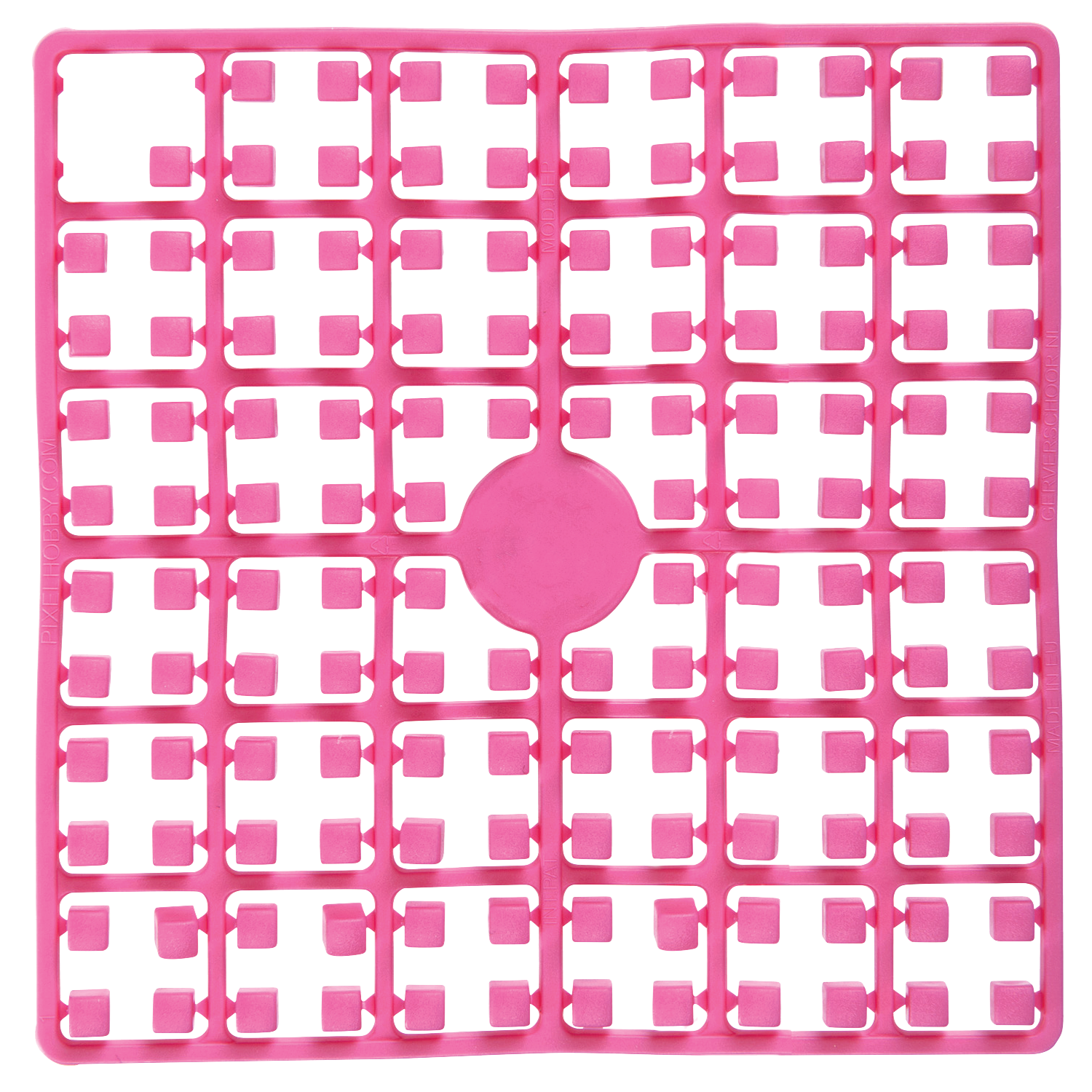
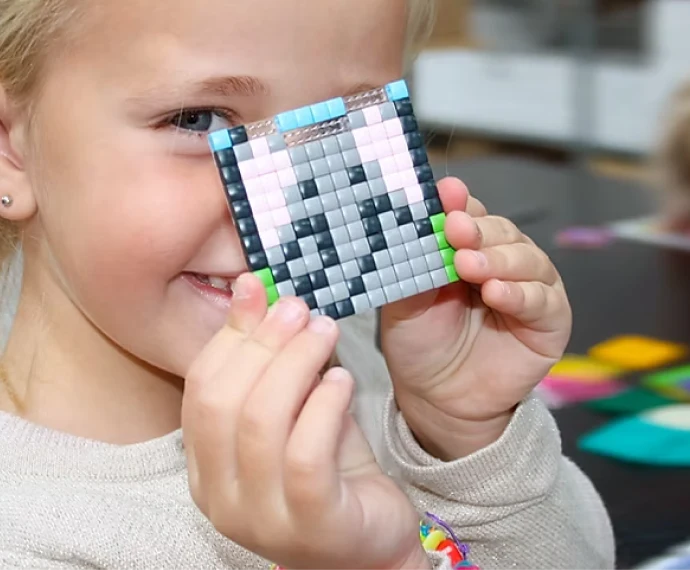
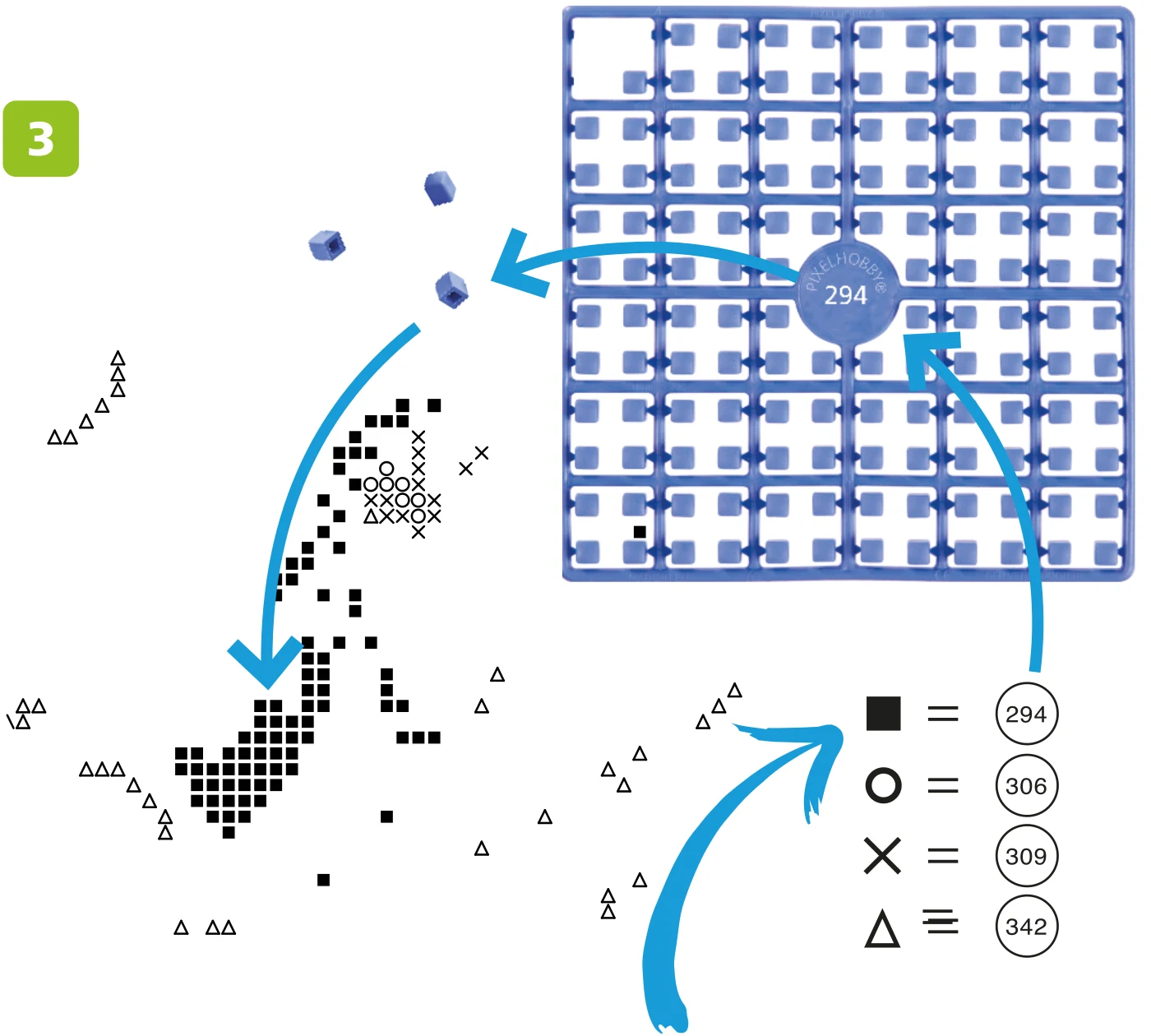
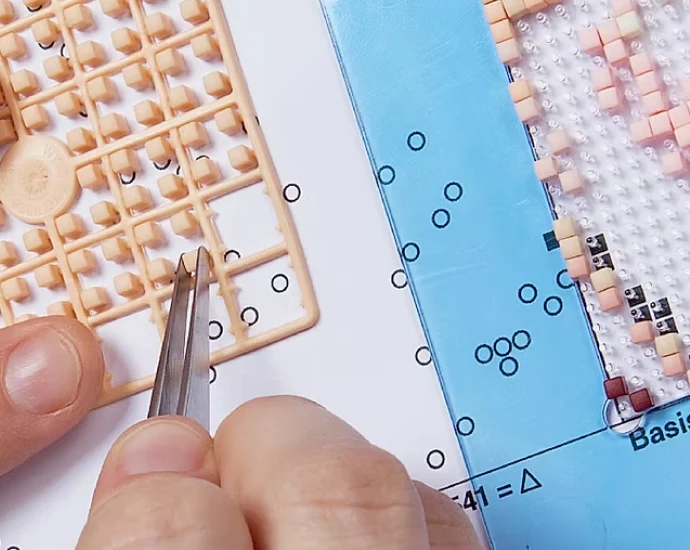
Pixelhobby® pixelsquares contain 140 pixels. The pixelsquares are made of sustainable Bio-plastic, which makes your hobby not only fun but also good for the environment. Pixelsquares are currently available in more than 300 colours.
%20over%20a%20single%20white%20rect:%20white%20icon,%20truly%20transparent%20negative%20space,%20works%20on%20any%20background.%20--%3e%3cdefs%3e%3cmask%20id='hiw-icon-dovetails-mask'%3e%3c!--%20Generator:%20Adobe%20Illustrator%2029.5.0,%20SVG%20Export%20Plug-In%20.%20SVG%20Version:%202.1.0%20Build%20137)%20--%3e%3cpath%20d='M35.4,21.3c-.7-1.1-1.9-1.9-3.2-2-.5,0-1,0-1.6,0-.8.1-1.6.3-2.4.4l-.7-2.6h0c-.8-2.7-2.6-3.4-4.2-3.8,0,0-.2,0-.2,0-.9-.2-2.6-.3-3.9,1.8l-.5.8c0-.2,0-.3.2-.5.1-.2.5-.9.5-1.9s0-2.2,0-3.2h0c0-2.1,0-4,0-6,0-1.6-.9-2.9-2.3-3.6C15.9,0,14.4,0,13.3.6c-.5.2-.9.5-1.3.9-.6.6-1.2,1.1-1.8,1.6l-2-1.8h-.1C6-.4,4.1-.1,2.5.5c0,0-.1,0-.2,0C1.4.9,0,1.7,0,4.2v23.3c0,2.5,1.4,3.3,2.3,3.6,2.1.7,3.5-.2,4.2-.8.6-.5,1.2-1.1,1.8-1.6.3-.3.7-.6,1-.9.2.2.5.5.7.7,0,0,.1.1.2.2l-3.9,5.9c-1.4,2.1-.6,3.6,0,4.3,1.4,1.8,3.1,1.8,4,1.6.8-.1,1.6-.3,2.4-.4.5,0,.9-.2,1.4-.2l.2,1c.2.8.4,1.7.6,2.5.2.9.6,1.6,1.2,2.2.2.2.4.4.7.5.7.5,1.6.8,2.5.8h0c1.4,0,2.6-.6,3.3-1.8l4.9-7.4c.4-.6.6-1.3.7-2,0-.5.2-.7.6-.9.3-.1,1-.5,1.5-1.3l1.8-2.7c1.1-1.7,2.2-3.3,3.3-5,.9-1.3.9-2.9,0-4.2h0Z'%20fill='%23fff'/%3e%3cpath%20d='M33.3,22.6c-.2-.4-.9-.8-1.5-.9-.2,0-.5,0-.8,0-1.5.3-3.1.5-4.6.8l-1.3-4.8h0c-.4-1.3-1.2-1.7-2.5-2,0,0-.1,0-.2,0-.6-.1-.9.3-1.2.7-1.5,2.2-2.9,4.5-4.4,6.7v-4.7c0-.3,0-.5-.2-.8-.7-1.2-.7-2.4,0-3.6.1-.2.2-.4.2-.6,0-1.1,0-2.2,0-3.2,0-2.1,0-4,0-6.1,0-.6-.3-1.1-.8-1.3-.4-.2-1.2-.2-1.7,0-.2,0-.4.2-.6.4-1.1,1.1-2.3,2.1-3.4,3.2l-3.7-3.3h0c-1.1-.9-1.9-.8-3.2-.3,0,0-.1,0-.2,0-.6.2-.6.7-.6,1.3v23.3c0,.5,0,1.1.6,1.2.6.2,1.2.2,1.7-.3,1.4-1.3,2.7-2.5,4.1-3.8.4-.3.5-.3.8,0,1.2,1.2,2.5,2.3,3.8,3.5-1.7,2.5-3.4,5.1-5,7.7-.3.4-.5.9-.2,1.4.4.5.9.8,1.6.7,1.8-.3,3.7-.6,5.5-.9.5,0,.6,0,.7.5.4,1.7.9,3.4,1.3,5.2,0,.4.2.7.5,1,0,0,.2.2.3.3.3.2.7.4,1.2.4.5,0,1-.2,1.3-.7,1-1.4,1.9-2.8,2.8-4.2.7-1.1,1.4-2.1,2.1-3.2.2-.2.2-.5.3-.8,0-1.4.8-2.4,2-3,.2,0,.4-.2.5-.4.6-.9,1.2-1.8,1.8-2.7,1.1-1.7,2.2-3.3,3.3-5.1.3-.5.3-1.1,0-1.6h0ZM24.7,17.9l1.3,4.8c0,0-.2,0-.3,0-.5,0-.6,0-.7-.5-.4-1.8-.9-3.6-1.3-5.3,0-.1,0-.3-.2-.4.6.3.9.7,1.2,1.4h0ZM21,26c.4-.7,1.3-.8,2-.4s.8,1.3.4,2-1.3.8-2,.4-.8-1.3-.4-2ZM4.5,3c.6,0,1.1,0,1.8.5l3.7,3.3c0,0-.1.1-.2.2-.3.3-.5.3-.9,0-1.3-1.3-2.7-2.5-4-3.7-.1-.1-.2-.2-.4-.2h0ZM9.1,20.9c-.8,0-1.4-.6-1.4-1.4s.6-1.4,1.4-1.4,1.4.6,1.4,1.4-.6,1.4-1.4,1.4ZM9.1,13.8c-.8,0-1.4-.6-1.4-1.4s.6-1.4,1.4-1.4,1.4.6,1.4,1.4-.6,1.4-1.4,1.4ZM15.7,18.5c0-.3,0-.6-.2-.9-.7-1.3-.7-2.6.1-3.8.1-.2.1-.4.1-.6V4.2c0-.4-.1-.8-.4-1.1.2,0,.4,0,.5.1.4.2.6.5.6.9,0,2.1,0,4,0,6.1,0,1,0,2.1,0,3.2s0,.2-.1.4c-.8,1.3-.8,2.7,0,4,.1.2.2.4.2.6v5.3c-.3.4-.5.8-.8,1.2v-6.3h0ZM17.6,33.9c-.7-.4-.8-1.3-.4-2s1.3-.8,2-.4.8,1.3.4,2-1.3.8-2,.4ZM32.9,24c-1.2,1.7-2.2,3.4-3.3,5.1-.6.9-1.2,1.8-1.8,2.7,0,.1-.2.2-.3.3-1.4.7-2.1,1.8-2.2,3.3,0,.2,0,.4-.2.6-.7,1.1-1.4,2.2-2.1,3.2-.9,1.3-1.8,2.7-2.8,4.2-.2.3-.5.5-.9.5-.2,0-.3,0-.5,0,.3-.1.5-.3.7-.6,1.6-2.5,3.3-5,4.9-7.5.2-.3.3-.5.3-.9.1-1.5.8-2.5,2.2-3.1.2,0,.3-.3.4-.4,1.7-2.5,3.3-5,5-7.6.2-.4.4-.7.3-1.1.2.1.3.3.4.4.2.4.2.8,0,1.1h0Z'%20fill='%23000000'/%3e%3c/mask%3e%3c/defs%3e%3crect%20width='100%25'%20height='100%25'%20fill='%23FFFFFF'%20mask='url(%23hiw-icon-dovetails-mask)'/%3e%3c/svg%3e)
Dovetails
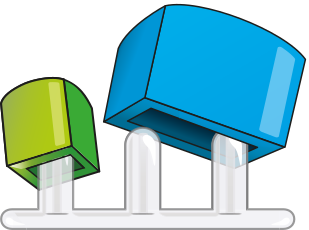
There are 4 notches on the back of the base plate. These notches are made for the dovetail connectors. With these dovetails you can connect the base plates together.
%20over%20a%20single%20white%20rect:%20white%20icon,%20truly%20transparent%20negative%20space,%20works%20on%20any%20background.%20--%3e%3cdefs%3e%3cmask%20id='hiw-icon-tweezers-mask'%3e%3c!--%20Generator:%20Adobe%20Illustrator%2029.5.0,%20SVG%20Export%20Plug-In%20.%20SVG%20Version:%202.1.0%20Build%20137)%20--%3e%3cpath%20d='M6.5,21.6c-.1-.7-1.5-6.9-1.5-6.9,0-1.4-1.8-8.5-1.8-8.5,0-.6.3-.8.3-.8.6-.5.6,0,.6,0l1.8,4.2c.3.5,0,.8,0,.8,0,0,1.2,3.2,1.6,4.2.5,1.1,3.3,6.8,3.3,6.8l4.5,8.5-2.3-11.6c-1.1-5.8-2.4-8.4-2.4-8.4-.4-1-.6-1.1-.6-1.1-.3-.2-1.8-5-1.8-5-.2-.9.4-.7.4-.7,0,0,.5-.2.8.5s3.6,6.9,4,7.7c.4.7,3.2,5.4,3.9,6.5,0,.1.1.3.2.5.3,1.7,1.9,11.4,2.5,16.2.7,5.2,1.2,7.6,1.2,7.6.2.8-.1,1.1-.5,1.2-.3.2-.9.3-.9.3-.6.2-1,0-1.3-.4-.6-.9-1.4-2.5-1.4-2.5-.2-.4-9.7-17.6-10.5-18.9,0,0,0-.1,0-.2h0'%20fill='%23fff'%20stroke='%23fff'%20stroke-linecap='round'%20stroke-linejoin='round'%20stroke-width='6'/%3e%3cpath%20d='M6.5,21.7c-.1-.7-1.5-6.9-1.5-6.9,0-1.4-1.8-8.5-1.8-8.5,0-.4,0-.6.2-.7.1,0,.3-.2.5-.3.2-.2.3-.1.3,0,0,.1.2.7.4,1.2l1.4,3.2c.2.3.2.5.1.6,0,0,0,.6.2,1.1.2.8.8,2.2,1.3,3.2.5,1.1,3.3,6.8,3.3,6.8l2.6,5c1,2,1.5,1.8,1.1-.4l-1.5-7.6c-1.1-5.8-2.4-8.4-2.4-8.4-.3-.7-.4-1-.5-1.1,0,0-.1,0-.2-.1-.1-.1-1.6-4.9-1.6-4.9-.1-.6,0-.9.1-.8.2,0,.4,0,.5,0,0-.4.3-.1.5.6,1.8,3.5,3.6,6.9,4,7.7,1.5,2.5,3.2,5.4,3.9,6.5,0,0,.1.3.2.5.8,4.2,1.9,11.4,2.5,16.2.7,5.2,1.2,7.6,1.2,7.6,0,.5-.1,1.1-.5,1.2-.3.2-.9.3-.9.3-.4.2-1,0-1.3-.4-.6-.9-1.4-2.5-1.4-2.5-5-9.1-9.7-17.6-10.5-18.9,0,0,0-.1,0-.2h0Z'%20fill='none'%20stroke='%23fff'%20stroke-linejoin='round'%20stroke-width='5.5'/%3e%3cpath%20d='M6.5,21.6c-.1-.7-1.5-6.9-1.5-6.9,0-1.4-1.8-8.5-1.8-8.5,0-.6.3-.8.3-.8.6-.5.6,0,.6,0l1.8,4.2c.3.5,0,.8,0,.8,0,0,1.2,3.2,1.6,4.2.5,1.1,3.3,6.8,3.3,6.8l4.5,8.5-2.3-11.6c-1.1-5.8-2.4-8.4-2.4-8.4-.4-1-.6-1.1-.6-1.1-.3-.2-1.8-5-1.8-5-.2-.9.4-.7.4-.7,0,0,.5-.2.8.5s3.6,6.9,4,7.7c.4.7,3.2,5.4,3.9,6.5,0,.1.1.3.2.5.3,1.7,1.9,11.4,2.5,16.2.7,5.2,1.2,7.6,1.2,7.6.2.8-.1,1.1-.5,1.2-.3.2-.9.3-.9.3-.6.2-1,0-1.3-.4-.6-.9-1.4-2.5-1.4-2.5-.2-.4-9.7-17.6-10.5-18.9,0,0,0-.1,0-.2h0'%20fill='%23000000'/%3e%3c/mask%3e%3c/defs%3e%3crect%20width='100%25'%20height='100%25'%20fill='%23FFFFFF'%20mask='url(%23hiw-icon-tweezers-mask)'/%3e%3c/svg%3e)
Optional: Tweezers
Our tweezers are specially designed for Pixelhobby. We have 2 different types of tweezers, straight and bended. Which one is your favourite? Using tweezers is optional when working on your Pixelhobby project.

Optional: Frame
Do you want to finish your Pixelhobby artwork with a beautiful frame? The order number of the correct frame can be found on the first page of the pattern, the material list. For example 2x2P or 4x5L.